Step 1: Confirmation Page
Once you have made your accommodation selection, you will be directed to the confirmation page.
At this stage, you can review your booking details before proceeding.
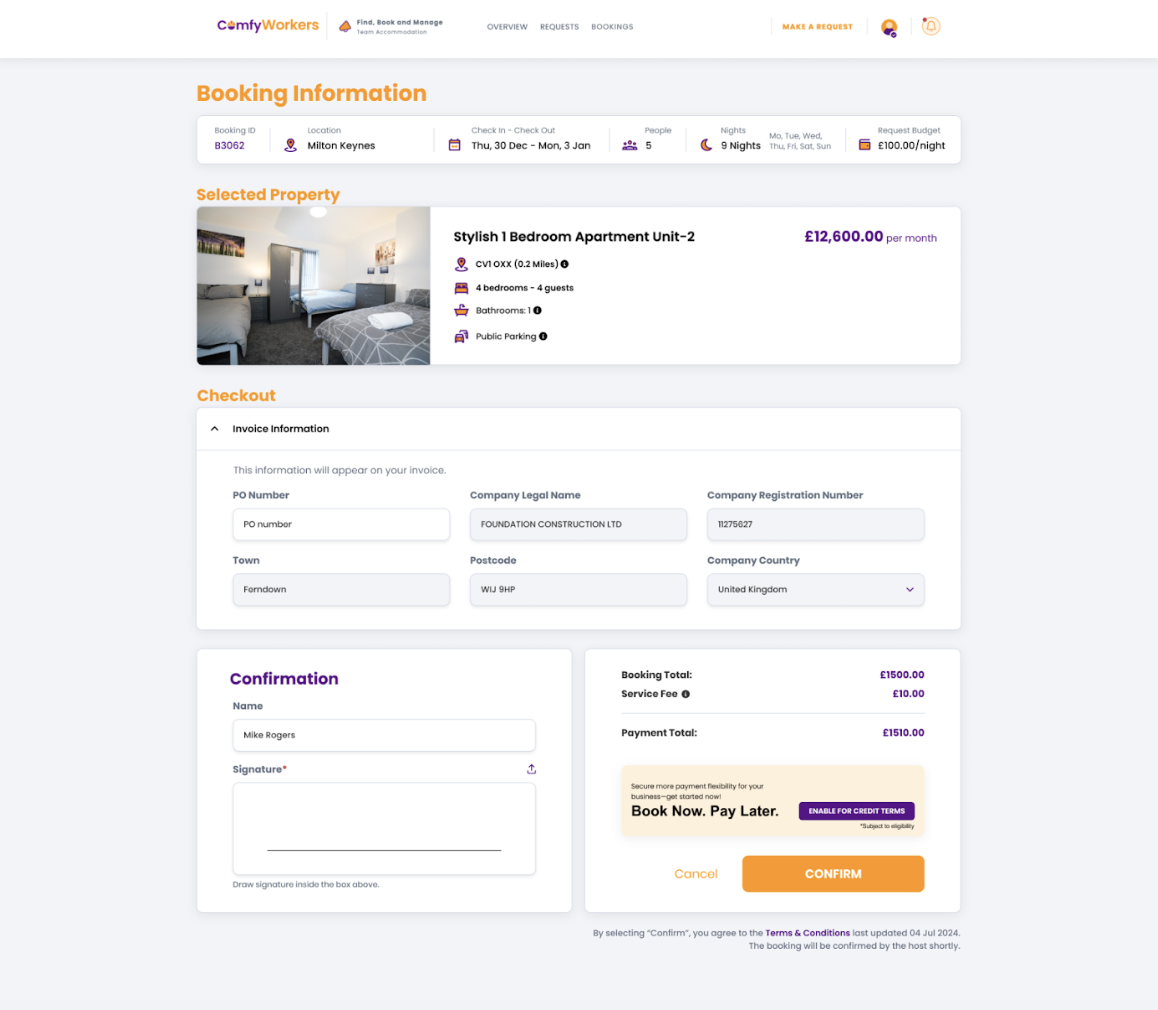
Step 2: Enable Credit Terms
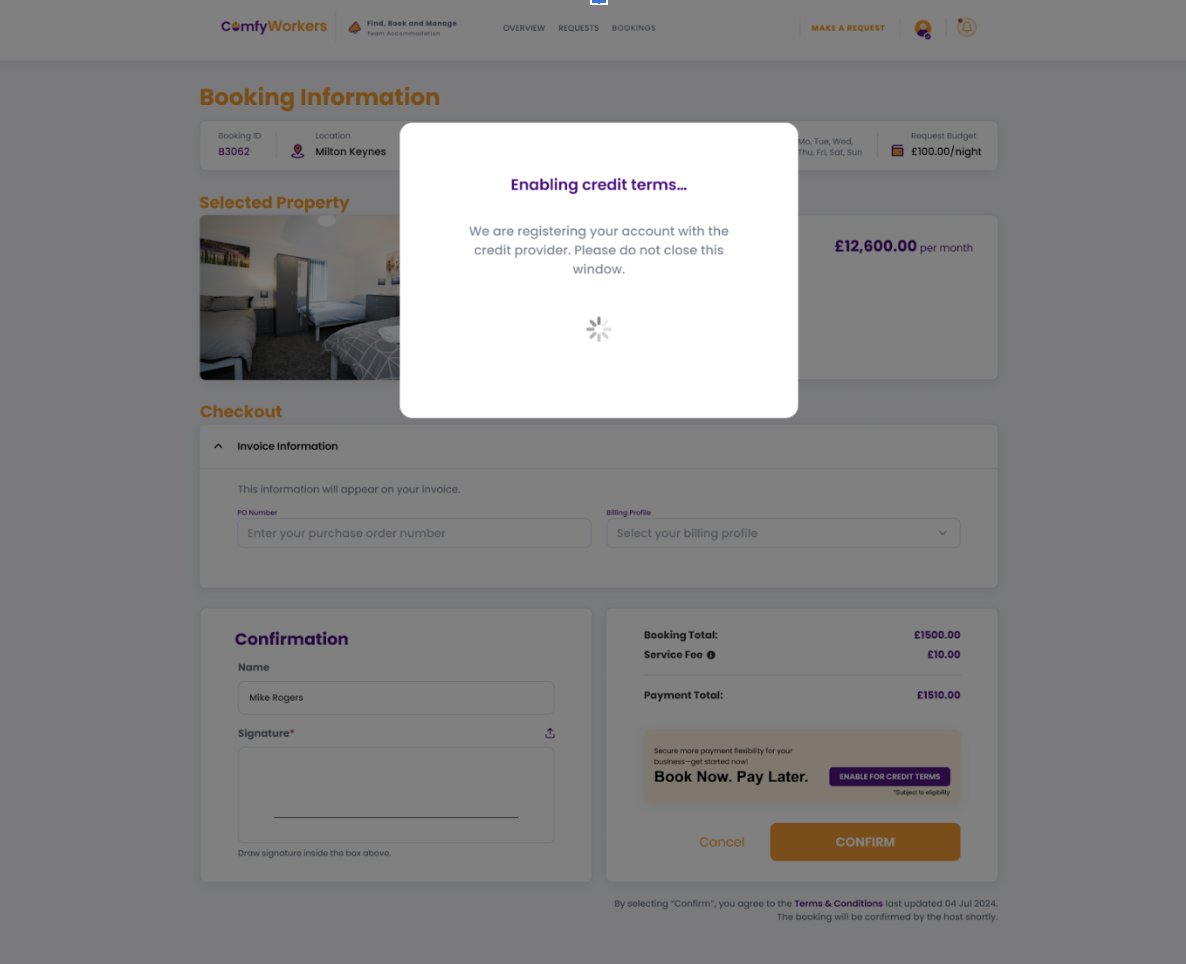
At the point of check out you will need to select “Enable Credit Terms”.
At this point:
The system will automatically create your account and the company profile in Two Inc.
The credit setup process is initiated.
Step 3: User Verification
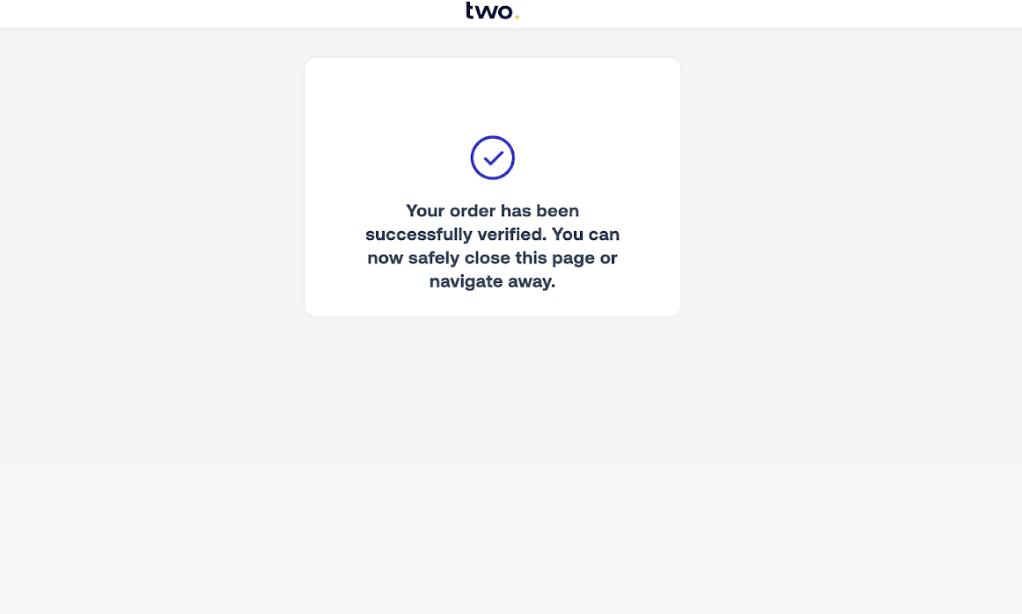
Following this you will be redirected to the verification page.
Here you will see the below:
You will receive a one-time password (OTP)
You will need to enter the OTP to verify your identity on this page.
Please note: The OTP will need to be entered whenever you are using a new device.
Any bookings confirmed after this, you will still be redirected to this page, but you won't have to take any action, Two will show as confirmed and redirect you back to our page.

Step 4: Booking Confirmation
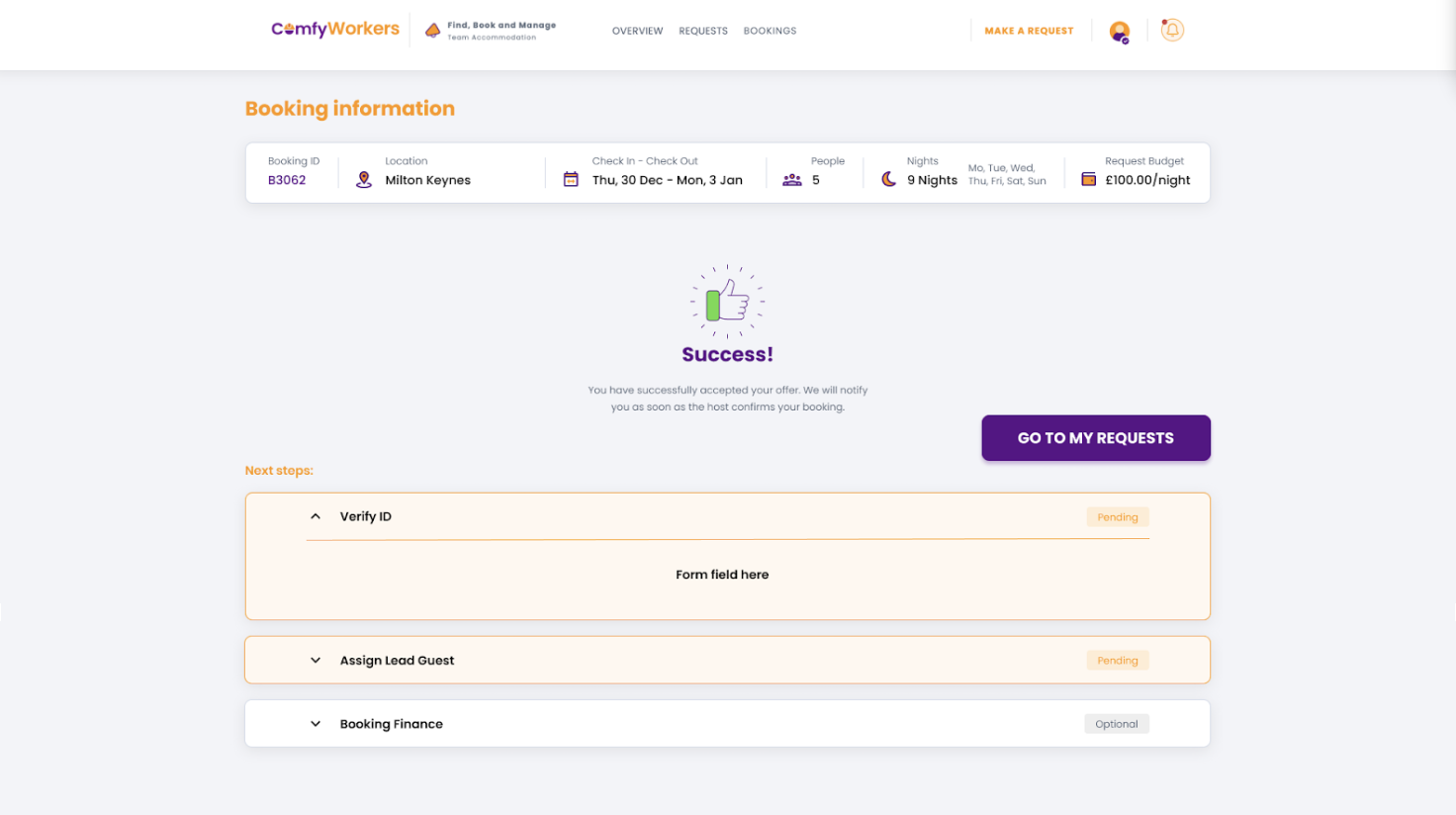
Once the OTP has been successfully validated:
You are redirected to the booking confirmation page.
The booking is officially confirmed.
Was this article helpful?
That’s Great!
Thank you for your feedback
Sorry! We couldn't be helpful
Thank you for your feedback
Feedback sent
We appreciate your effort and will try to fix the article